How can smartphone cameras be adjusted to capture details on the full moon?
Answer
Manually drag the exposure slider down to reduce light intake
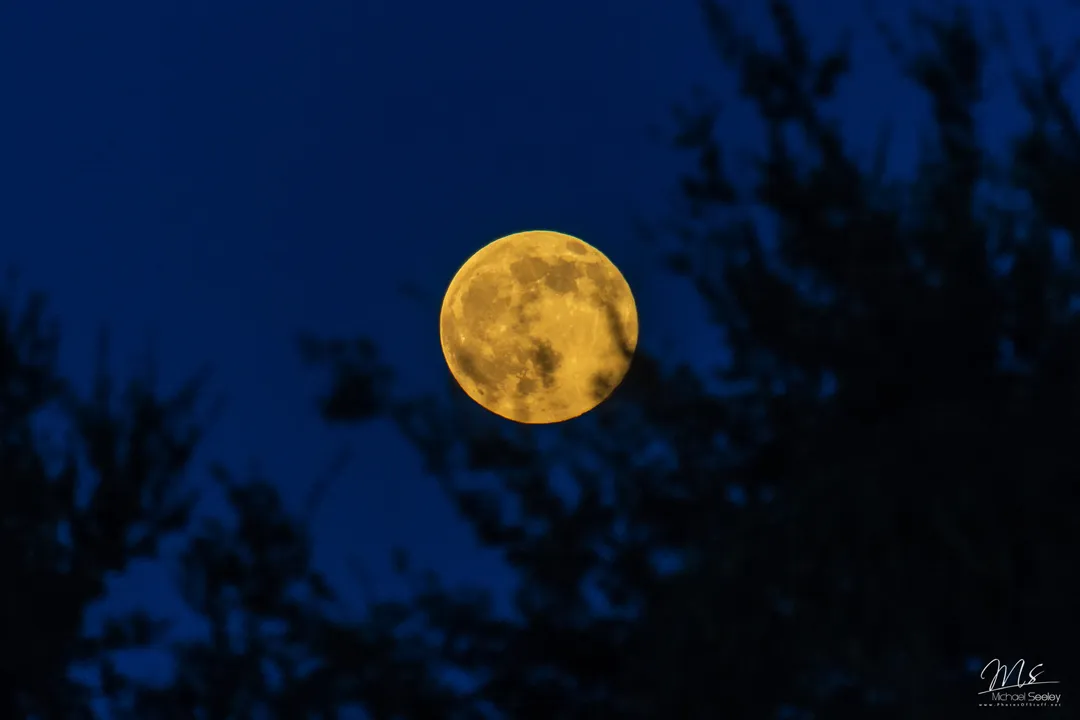
When using a smartphone to photograph the moon, the camera software often struggles with the high brightness of the lunar disk, resulting in an overexposed, white image. To correct this, the user should tap on the moon within the camera app and manually drag the exposure slider down. This adjustment lowers the light intake, allowing the camera to resolve the actual texture, craters, and surface details rather than recording an overwhelming blast of white light.
Related Questions
When is the peak illumination for the Flower Moon in 2026?What is the approximate duration of the cycle from one full moon to the next?What is the specific alignment of celestial bodies during a full moon?What causes the Moon Illusion to make the moon appear larger at the horizon?Why is it better to use binoculars instead of telescopes for the full moon?What shutter speed is suggested to properly photograph a bright full moon?Why is the May full moon commonly referred to as the Flower Moon?Which full moon name corresponds to the lunar event occurring on May 31, 2026?How can smartphone cameras be adjusted to capture details on the full moon?What is the origin of the dark plains found on the surface of the moon?